
How Flock works: one QR code, one shared album
Flock is a collaborative event photo-sharing app that lets everyone at a wedding, party, or trip add their photos to one shared album. Guests download the free app, then join an event by scanning a QR code or entering a join code.
The three steps
Create the event
Name it and add a cover. Flock takes its colours from your photo.
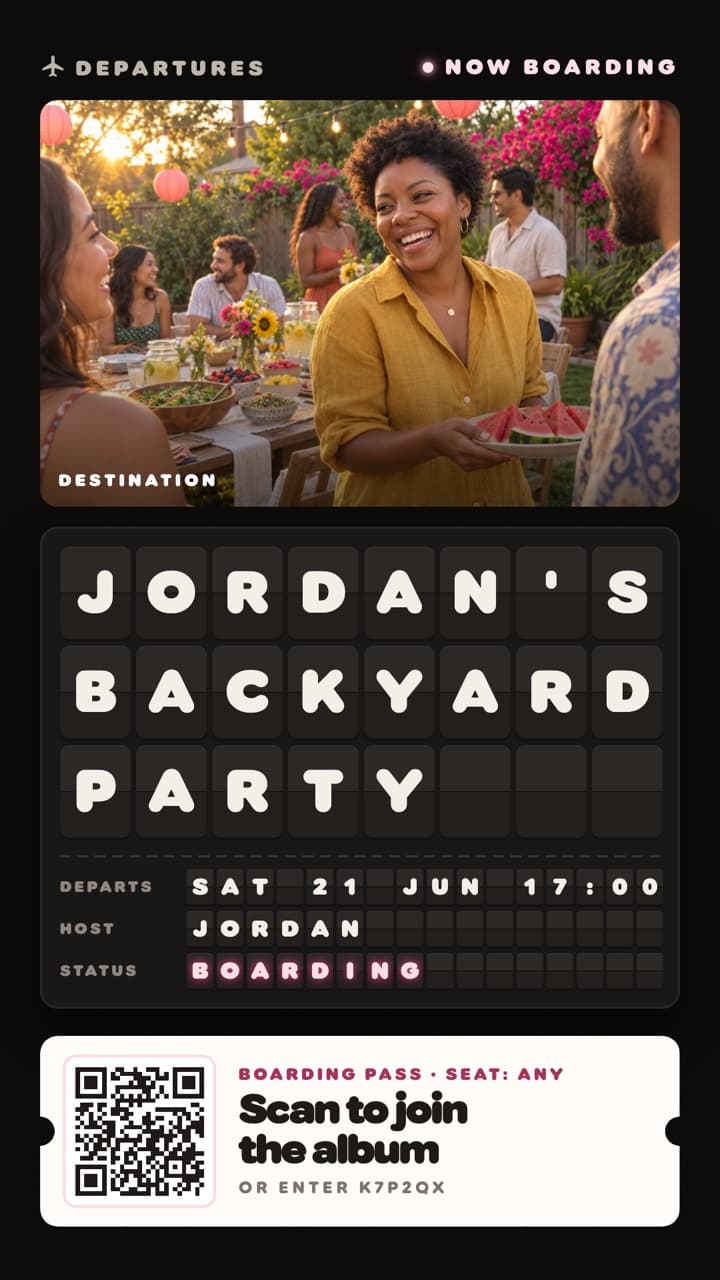
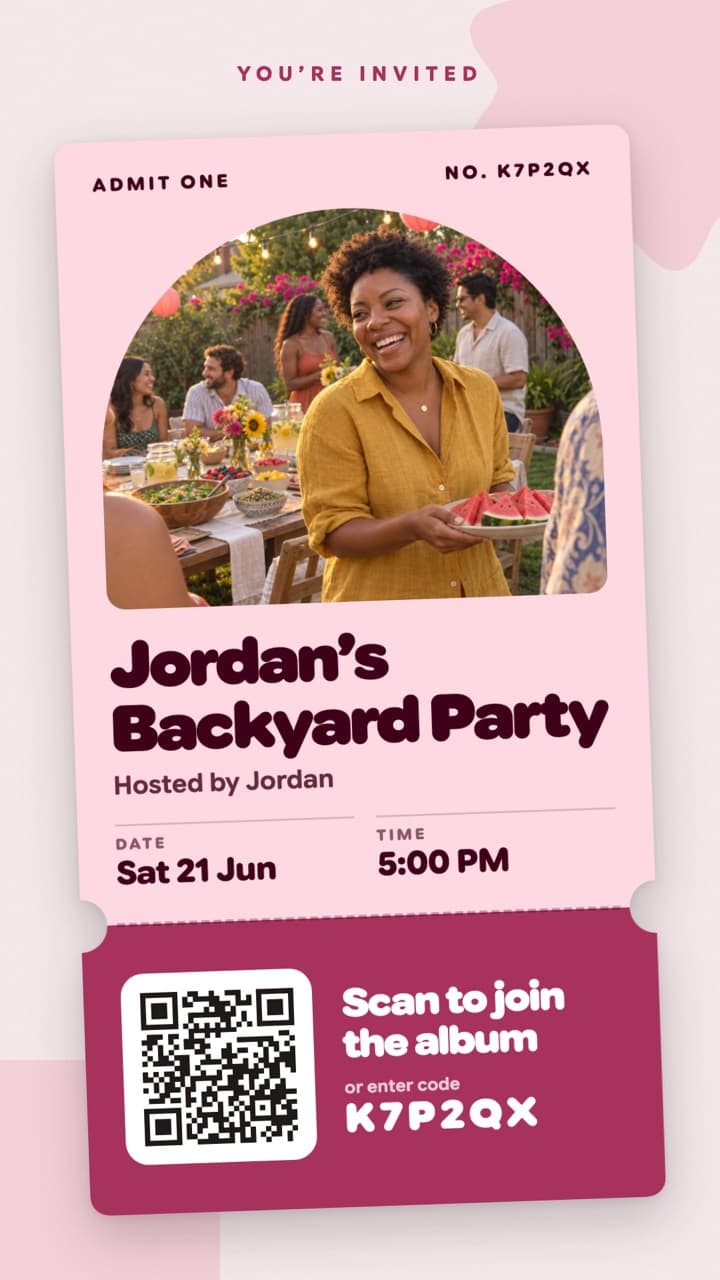
Share one code
Print the poster or send the link. Guests scan it or type the code.
Watch the album fill
Every guest’s photos and videos land in one live album.

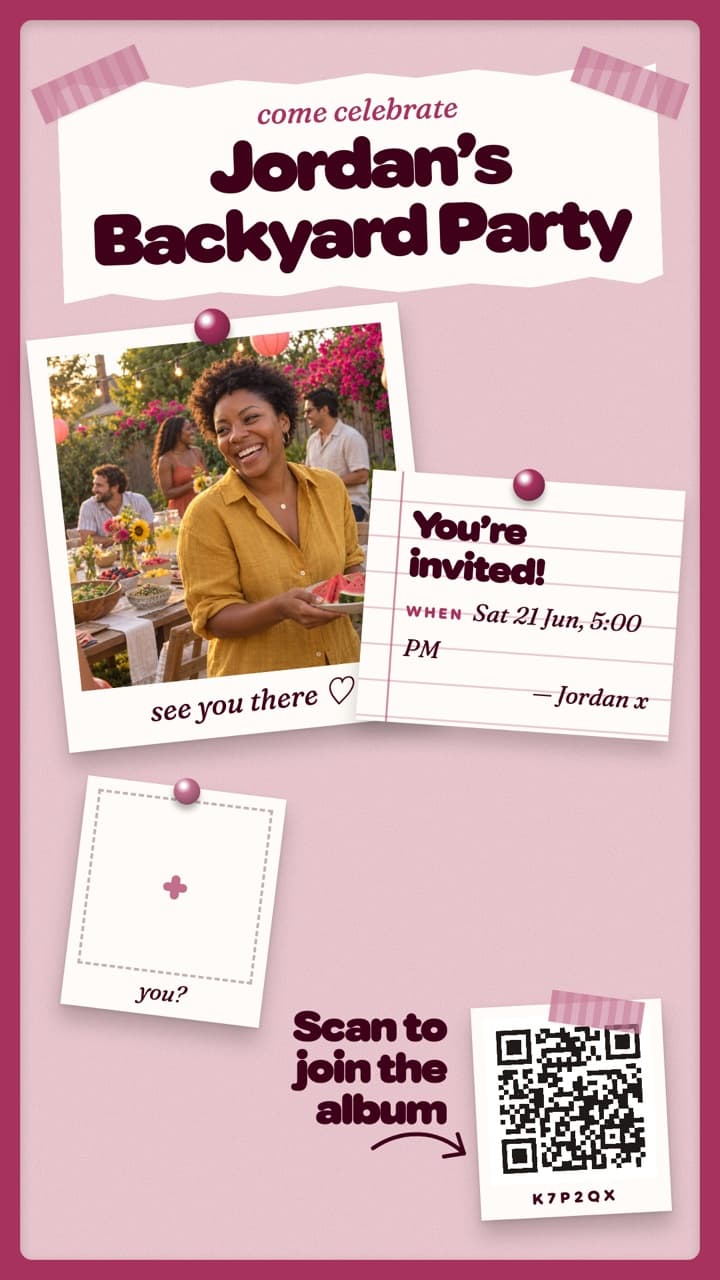



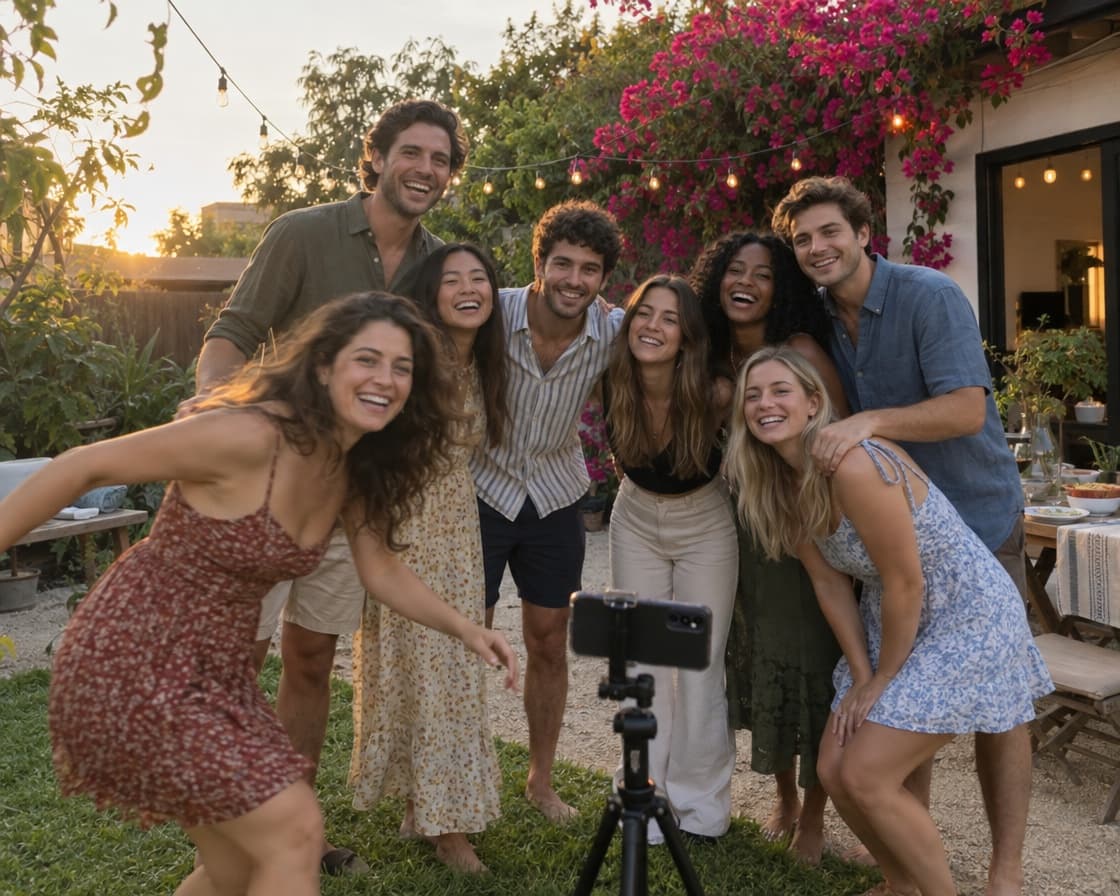


Grab the app. Scan the code. You’re in.
Guests download the free Flock app and sign in with Apple, Google or email, then join the event by scanning its QR code, tapping the share link, or entering the 6-character join code. From there they shoot in the app’s camera or add from their camera roll. Every shot is attributed, so you always know whose eye caught the moment.
When the event wraps, anyone can save the whole album, or just their favourites, to their phone in full resolution. See pricing or the full FAQ.
Everything happens in one album.
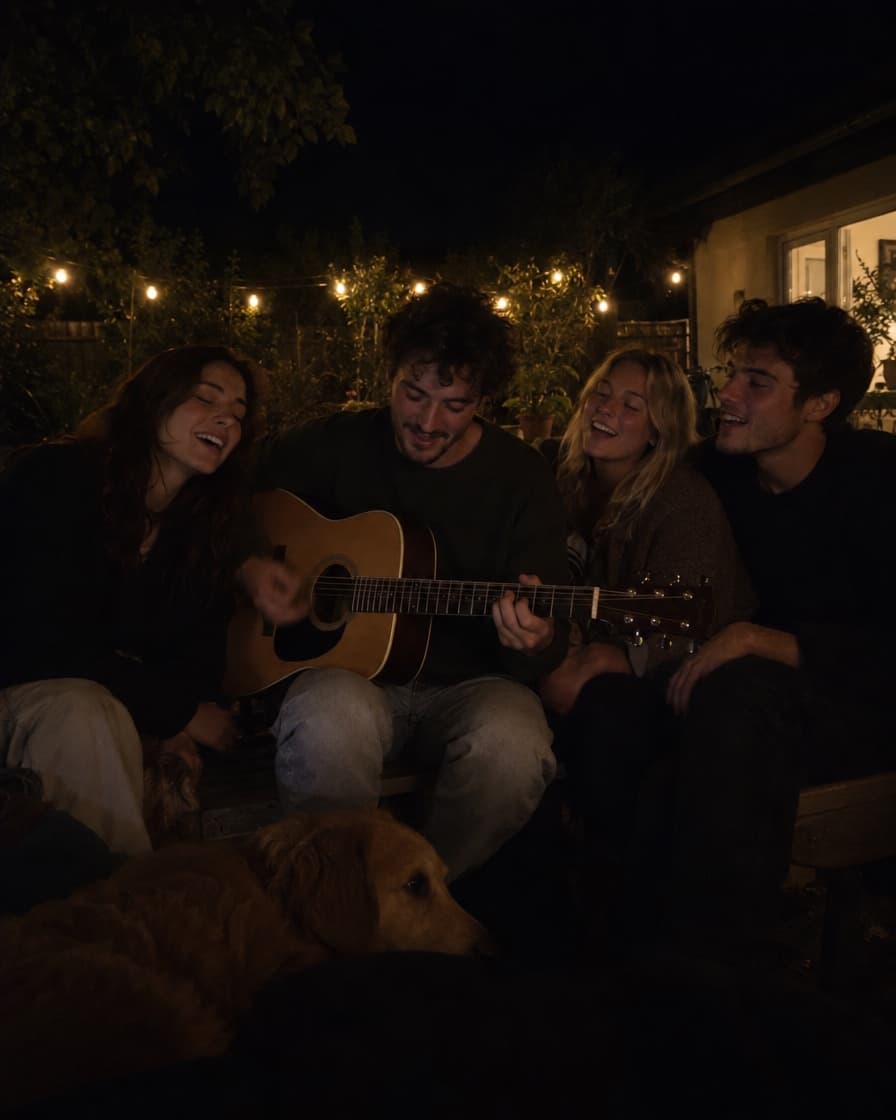
A real camera
Flash, a timer, grid and 0.5× to 2× zoom, with no review step between shots. Up to 60 seconds in the app, longer from your camera roll.
- LIVE

A live album
 You’re in 14 photos
Find me
Nine invite posters
- Saving to your Photos412 of 636 saved
Save them all in a tap
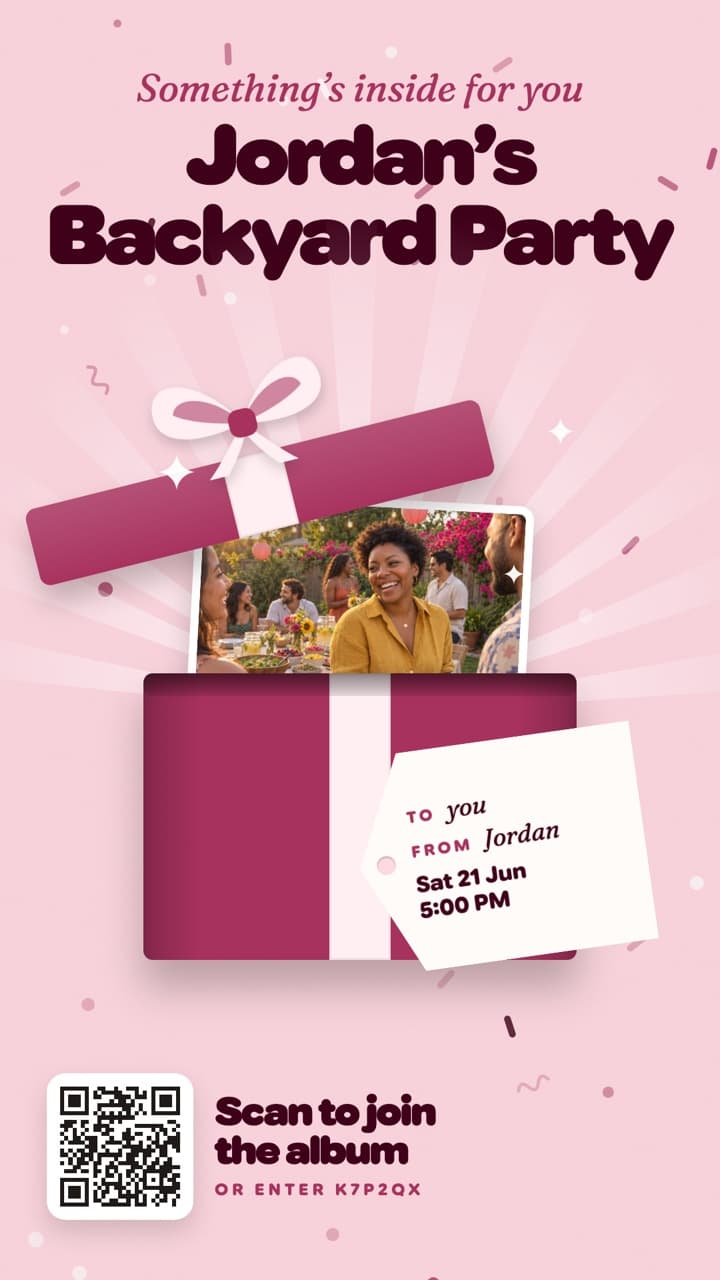
Get every photo from your next party.
Set up the album before anyone arrives. Free on iPhone and Android.
Scan to get Flock
Opens the right store for your phone