
Party photo sharing app
Put one QR code by the door. Every guest’s photos land in one live album.
How Flock works for parties
- Create the party
- Share one code
- Watch it fill up
Free to start · one-time per event

Every guest’s photos from the night.
LIVEWhy Flock works for parties
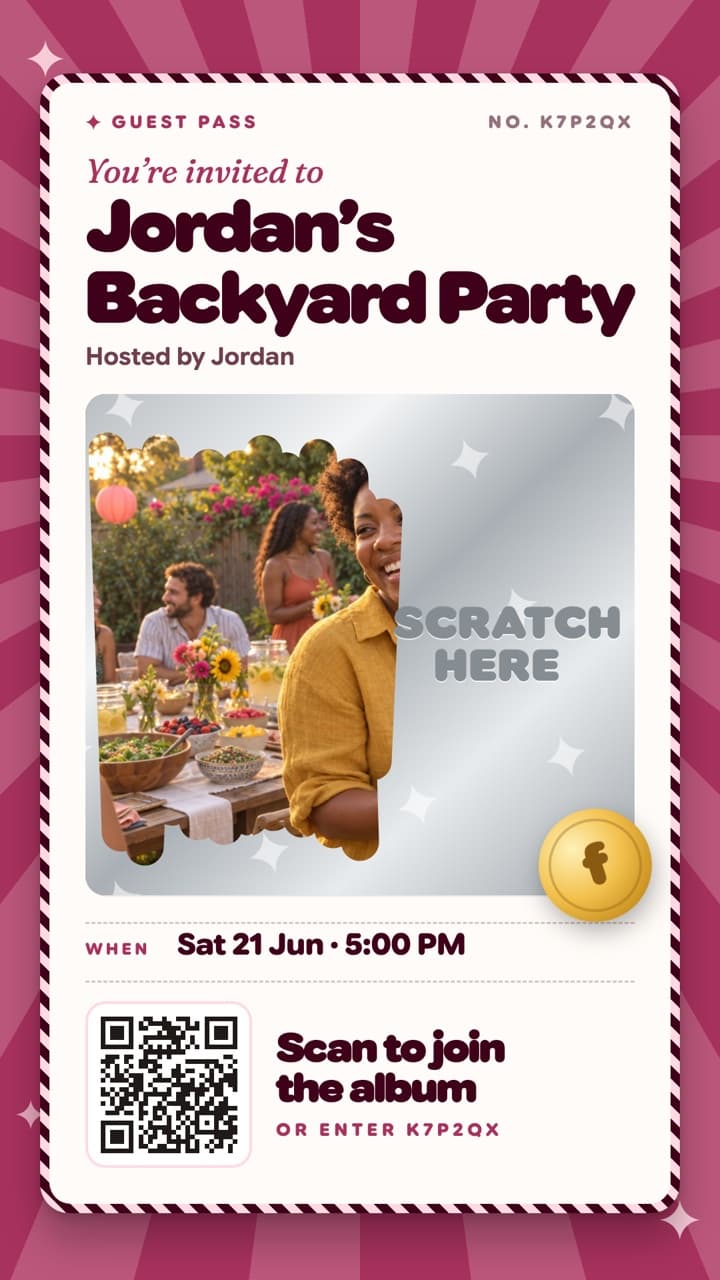
Invites people actually open
Nine posters, each with its own way in: press the shutter, scratch the foil.
A camera built for the dance floor
Flash, zoom, a timer and 60-second video, with no review step between shots.
See the favourites
Guests heart their favourites, and Just in shows the newest shots live.
Find me
After the party, one selfie shows each guest every photo they’re in.
Where to put the code
- By the door as people arrive
- Next to the cake or the playlist screen
- On the bathroom mirror, where every phone comes out
- In the group chat, as the invite poster
What Flock costs for parties
Around 30 guests? That’s the 50-guest event.
- Price
- $14.99once
- Event length
- 7 days+ 7 for late uploads
- Album kept
- 6 monthskept
- Find me
- Find meincluded
Free up to 3 guests. Never a subscription. See every price
Flock for parties: common questions
Do guests need to download the app or create an account?
Yes. Guests use the free Flock app and sign in with Apple, Google or email, then join with the QR code or 6-character join code. That’s what gives them a real camera, a live album and full-resolution saves, instead of blurry browser uploads.
How do guests add photos to a Flock album?
Guests download the free Flock app, then join the event by scanning its QR code, tapping the share link, or entering the 6-character join code. From there they add photos and video straight from their phone.
How much does Flock cost for a party?
A party of up to 3 guests is free. For about 30 guests, it’s a $14.99 one-time upgrade (up to 50 guests), paid once by the host, never a subscription.
Can guests post photos and video?
Yes. Flock captures both photos and video, and they sit together in the same live gallery, so the toast, the first dance, and the candids all land in one place.



Get every photo from your next party.
Set up the album before anyone arrives. Free on iPhone and Android.
Scan to get Flock
Opens the right store for your phone